
This guide will walk you through how to install your aiCare kit, so you can quickly get insights on the activities of daily living of your loved one and enjoy greater peace of mind. It will also show you how to test your system to make sure everything is working properly.
Designed for simplicity and efficiency, this kit makes it easy to care for your loved one. Get everything set up in just around 15 minutes.
Inside your kit
Your aiCare kit includes the following devices: 3x SensePlugs, 1x Door Sensor and 2x PIR Motion Sensors.
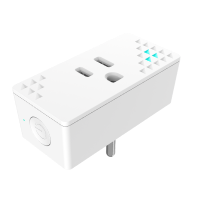 SensePlug
ℹ️ For countries where the following plug types are supported: A, B, E, F, G.
🏃 Activity detection (Area level) – Works alongside other activity sensors to detect activity in your Area.
💡 Smart plug functionality – SensePlugs also work as smart plugs, allowing you to control devices like lights directly from the app.
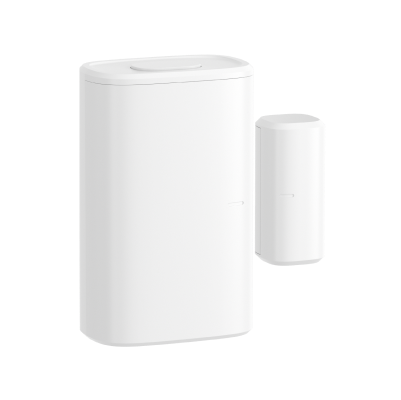 Door Sensor
🚪 Entry/Exits monitoring– Know when your loved one goes out, and comes back home.
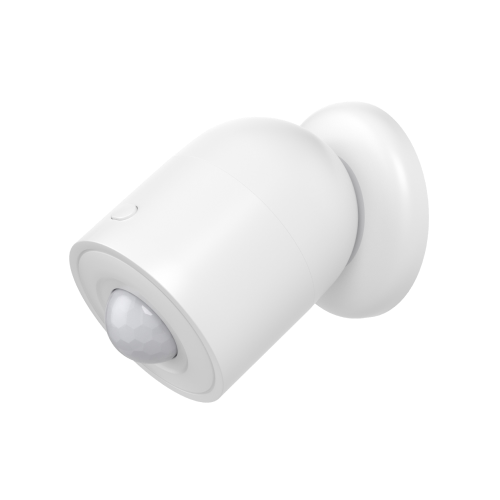 PIR Motion Sensor
🏃 Activity detection (room level) – Detects activity in a monitored room. Use it to monitor bathroom visits and bedroom rest.
Conditions of use
👤 One person
The aiCare kit is designed to monitor solo agers. Multiple person living in the same home are not well supported by some analytics.
🏠 One floor
One aiCare kit only covers a single floor, which will be associated in the nami system to what nami calls a zone (or an Area). If the home has multiple floors, install your kit on the floor where the bedroom is located.
Installation procedure
Start by downloading the nami Setup app: Download the nami setup app
Learn more on how to sign-in following this page: Sign in the nami setup app
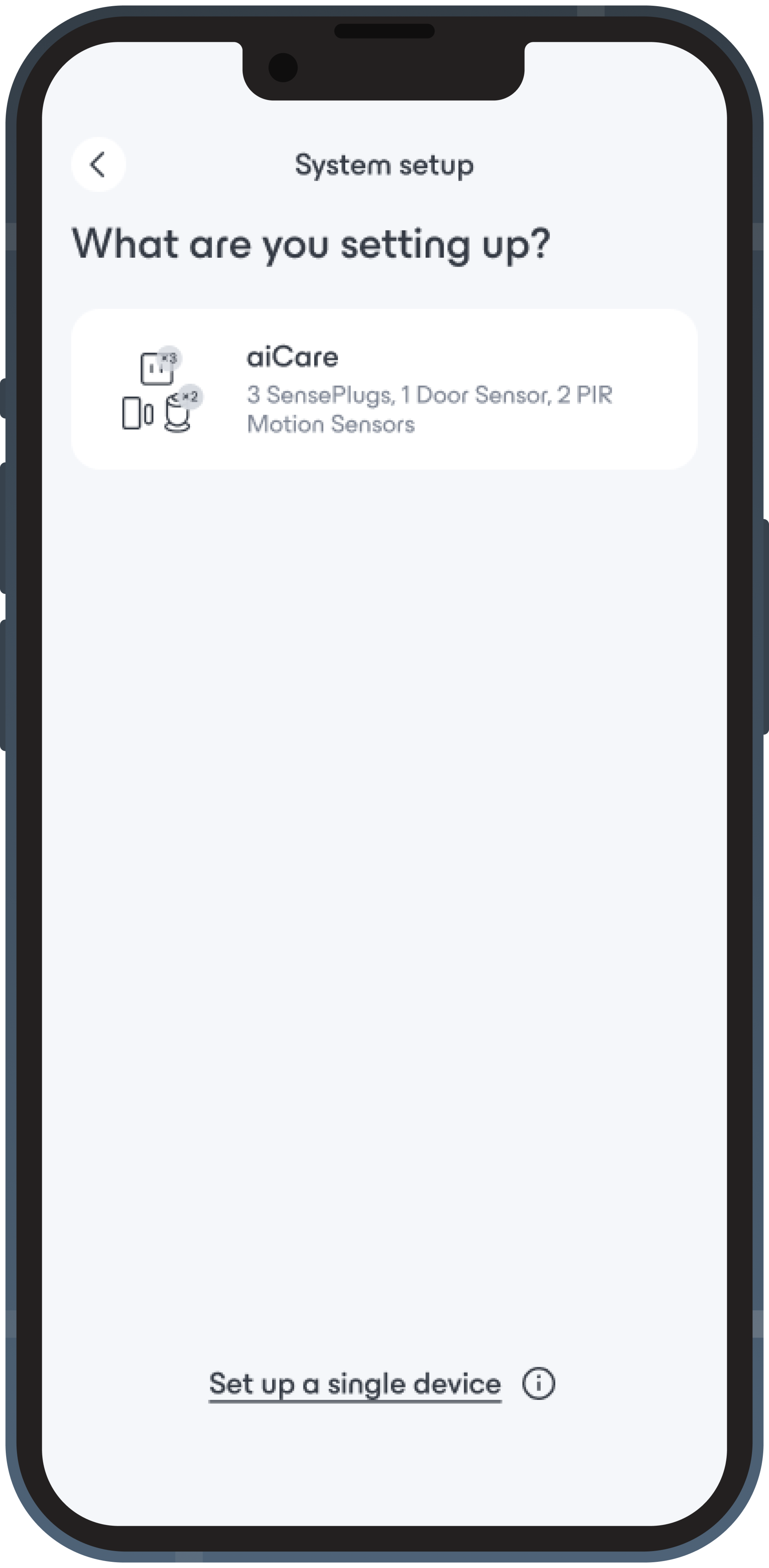 Add devices
It’s time to install your devices using the app.
- Tap ‘Set up my system’ at the bottom of the home page (or ⚙️ Settings > Add devices)
- Choose aiCare
Simply follow the steps in the app — it will guide you through the entire setup.
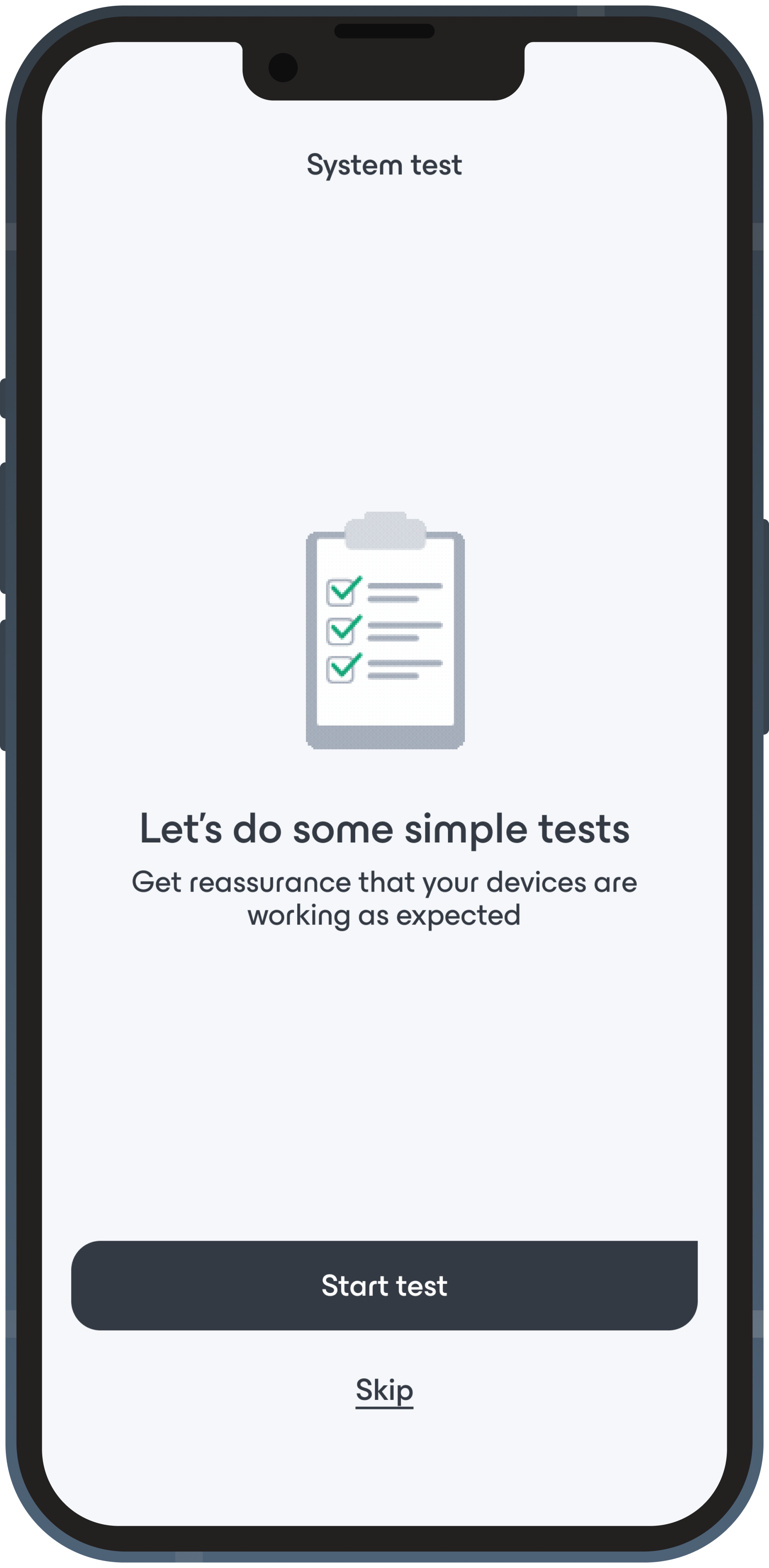 Test your system
Now that your devices have been setup, the app will guide you on how to check your installation.
- Run a Check-up for Wi-Fi sensing
- Test Door Sensor detections
- Test PIR Motion Sensors detections
- Test Wi-Fi sensing detections